

Back to School With SkillBit

We’re kicking off the school year with a special student discount on SkillBit Labs Pro!
Until September 30th, students can sign up for SkillBit Labs Pro for only $2.99/mo for the next 9 months. To redeem, use the code BACK2SCHOOL under "Manage Subscription" for SkillBit Labs. Note that you must have a .edu email address linked to your account in order to redeem. Continue reading for a detailed step-by-step guide.
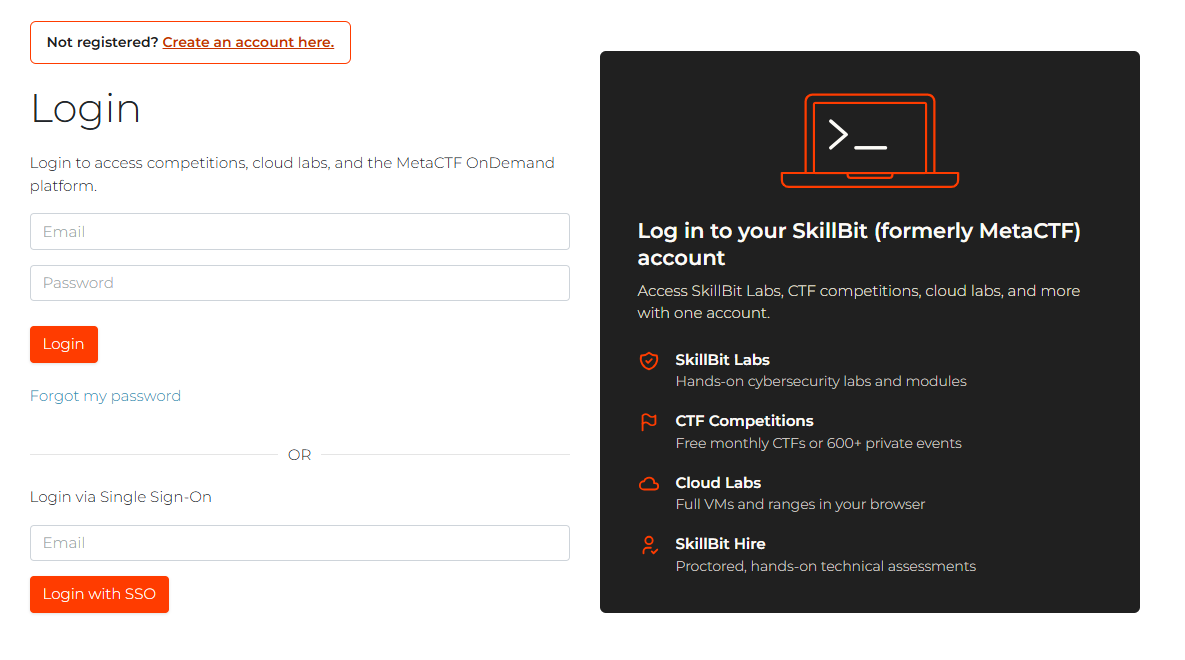
Step 1: Log in to existing account or sign up for a Skillbit Labs account.
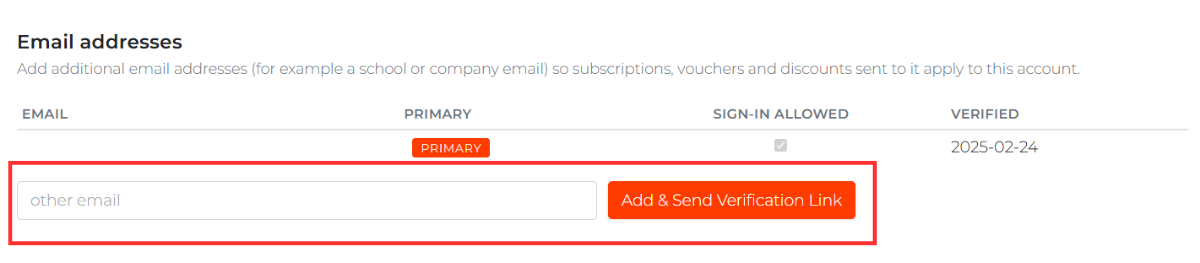
If your existing account does not have a .edu email, you can add a student email to your account by clicking "Account" on the top right corner, then entering a student email in the text field as shown below:
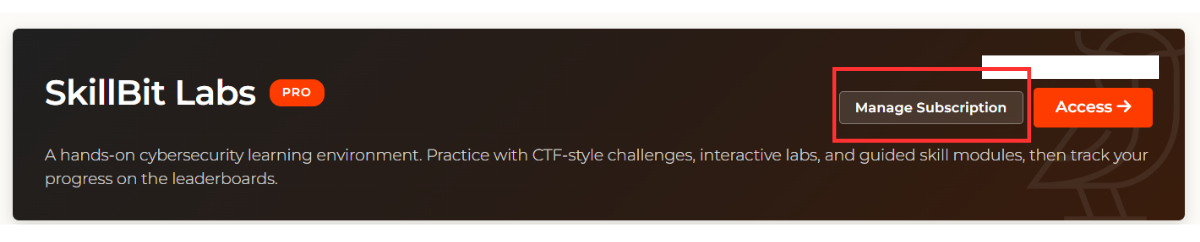
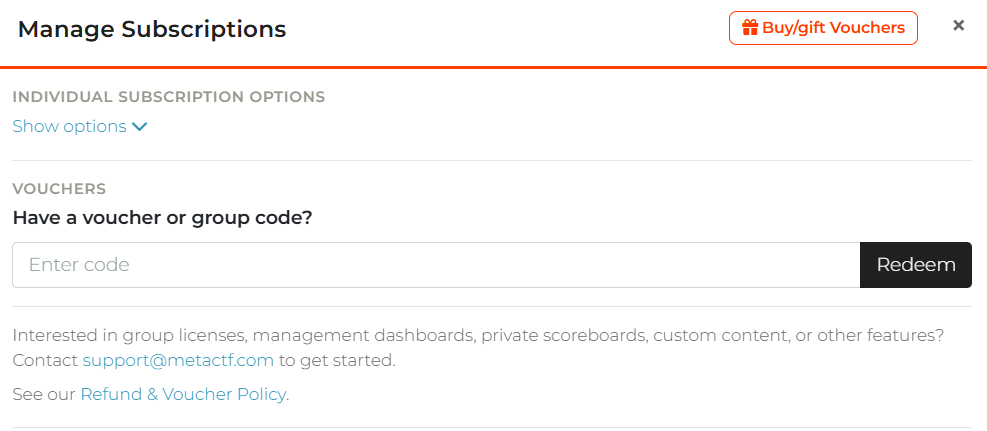
Step 2: Once your account has a verified .edu email, go back to the main dashboard, and click on "Manage Subscription" for SkillBit Labs.
Step 3: Enter the code BACK2SCHOOL in the text field under "VOUCHERS".
Interested in joining our team? Let’s connect!